How to run a date poll on Discord
Picking a date in a Discord channel means a week of messages and a pile of @everyone. A date poll does it in one pass: nobody argues, everyone answers once. Here is how to run one with when?, free and without creating an account.
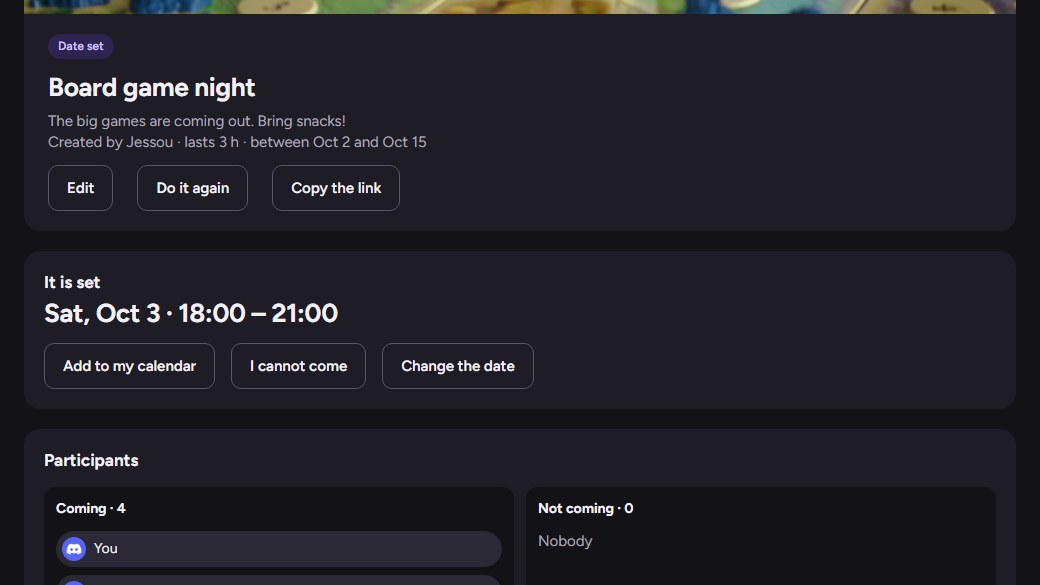
1. Create the event
Log in with Discord, click Create an event, then give a title, a range of dates, a duration and pick the guests from your servers. You get a link to share.
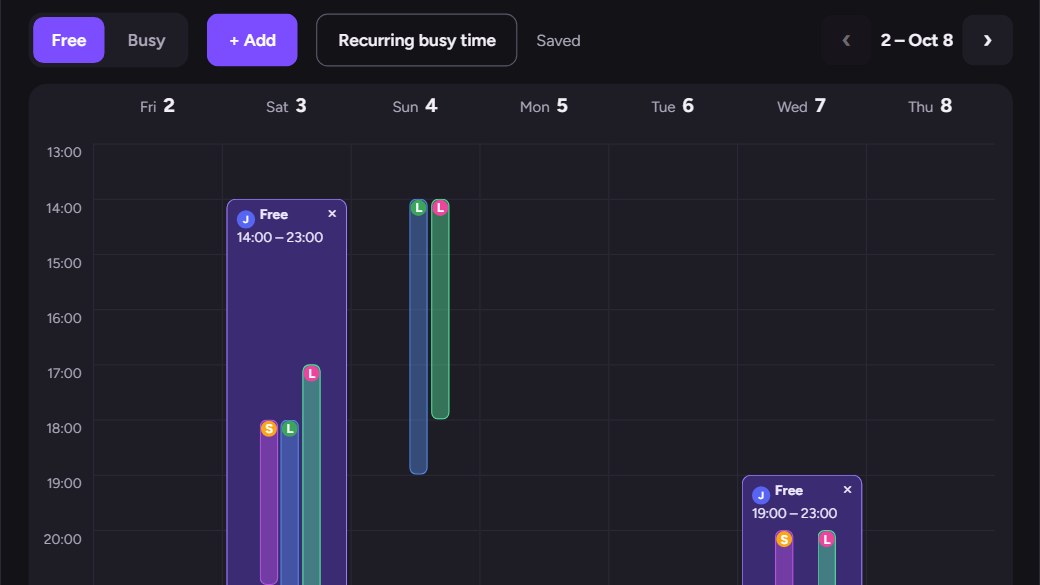
2. Everyone draws their availability
Each guest opens the link and drags in the calendar to say when they are free or busy, in their own timezone. No account to create, the Discord login is enough.
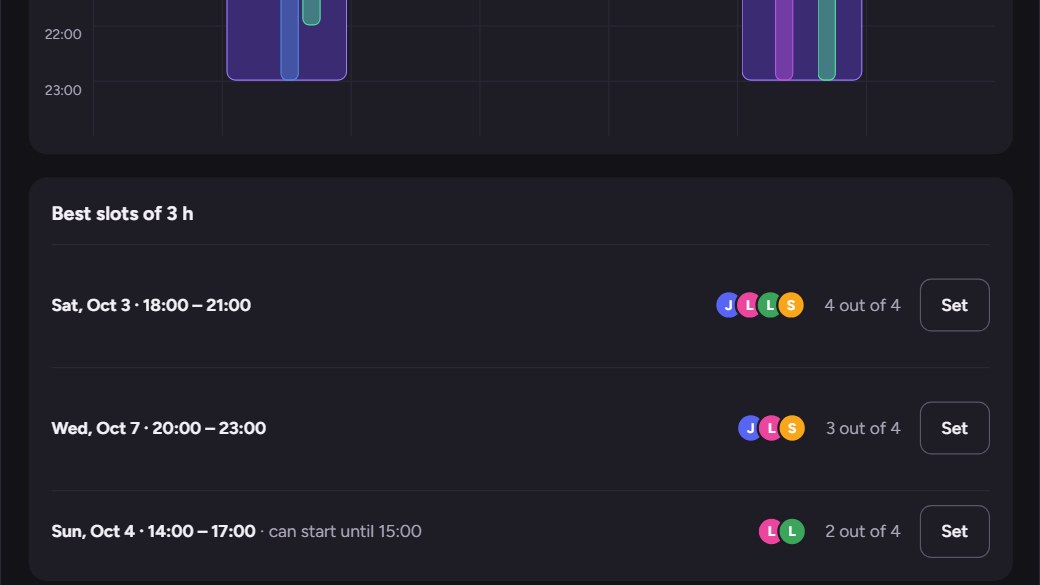
3. Read the best slots
when? ranks the slots that gather the most people, live. Mark someone as required, or set a minimum of people, and no slot is offered without them.
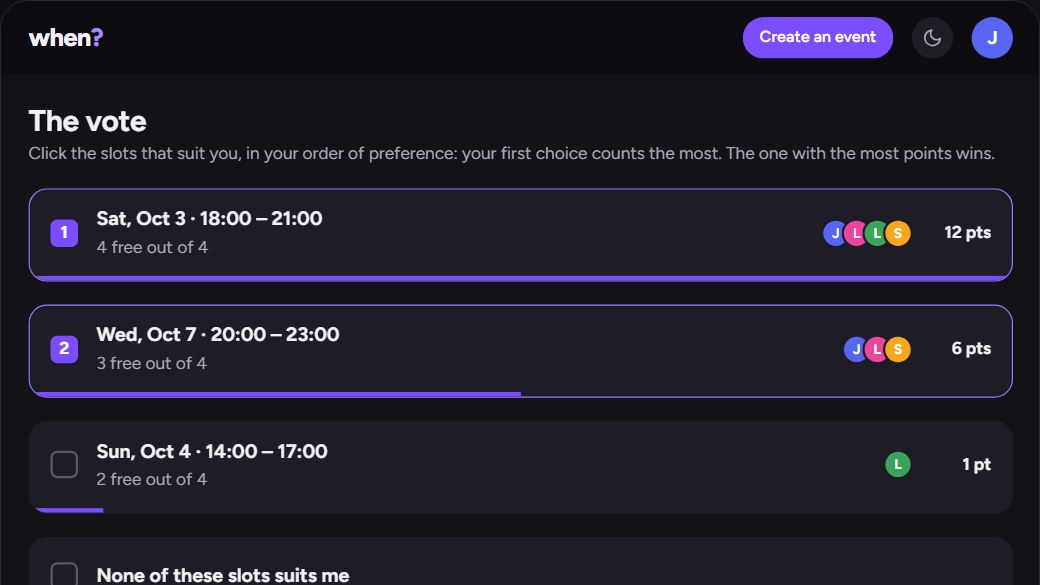
4. Vote, then the date is set
The vote opens on the best slots and everyone ranks them by preference. The winner is announced by the bot in a private message, the Discord event of your server is created, and the reminders go out.
That is the whole poll: one link, one answer per person, no @everyone. Free plan, every feature, up to 3 events at the same time.
Create an event